Image
Image has built-in performance and accessibility optimizations that allow users to easily display responsive images.
Deprecation notice:
Image is deprecated in version 0.95.0 and will be removed in version 0.98.0. Use Image Lite instead.
Overview
Image builds on Angular's NgOptimizedImage to provide responsive images with stable layouts out of the box. It helps to avoid common image-related performance and accessibility issues by:
- Preventing layout shift with required
widthandheightattributes - Ensuring accessibility by requiring descriptive
alttext - Maintaining proper aspect ratios for responsive designs
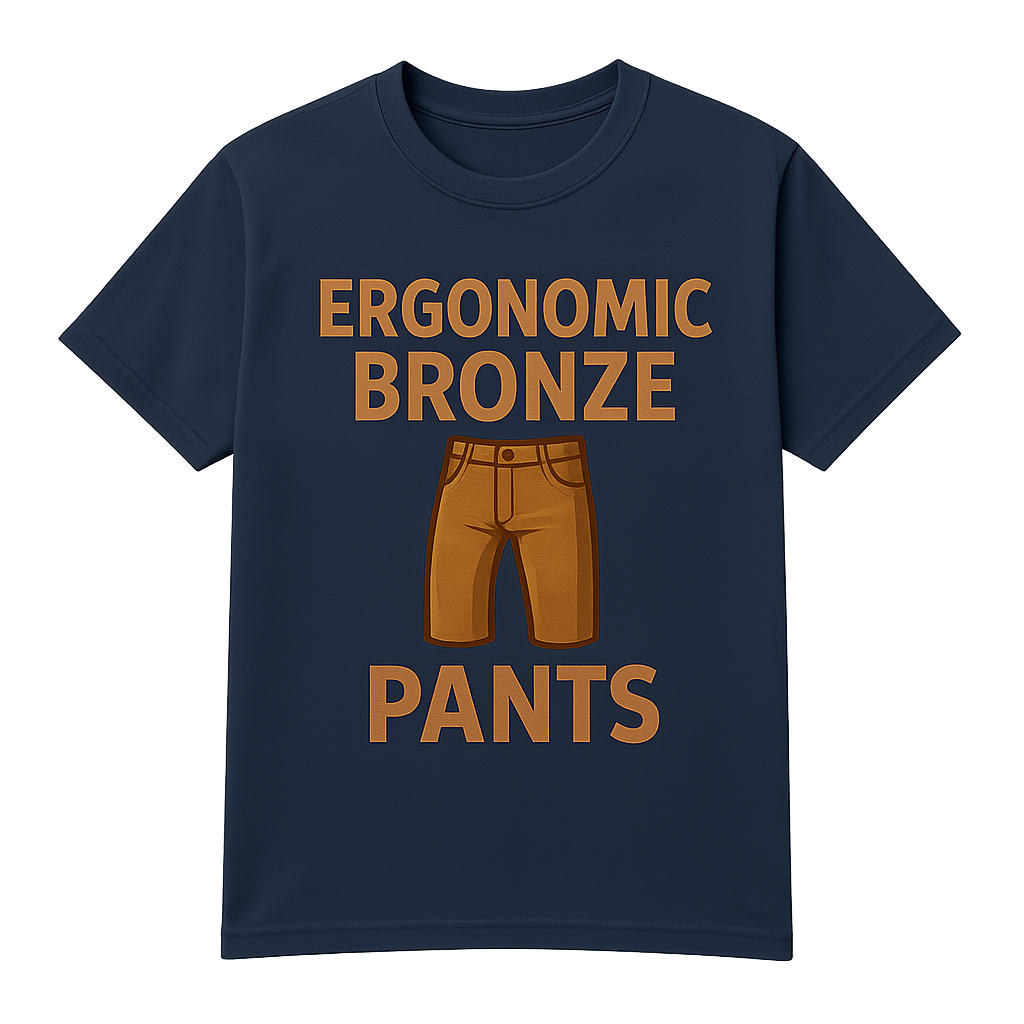
<daff-image
  src="https://assets.daff.io/ergonomic_bronze_pants.png"
  alt="Ergonomic Bronze Pants T-Shirt"
  [width]="400"
  [height]="400"
>
</daff-image>
Usage
Import DAFF_IMAGE_COMPONENTS into your component:
import { Component } from '@angular/core';
import { DAFF_IMAGE_COMPONENTS } from '@daffodil/design/image';

@Component({
  selector: 'custom-component',
  templateUrl: './custom-component.component.html',
  imports: [
    DAFF_IMAGE_COMPONENTS,
  ],
})
export class CustomComponent {}
Deprecation notice:
DaffImageModuleis deprecated. Use the standalone component imports instead.
Required attributes
All four of the following attributes are required and will throw an error if missing:
| Attribute | Description |
|---|---|
src |
The image source URL |
alt |
Alternative text describing the image |
width |
The intrinsic width of the image in pixels |
height |
The intrinsic height of the image in pixels |
Features
Skeleton screen
Use the skeleton property to display a placeholder skeleton screen that helps reduce load-time frustration.
<daff-image
  [skeleton]="true"
  src="https://assets.daff.io/ergonomic_bronze_pants.png"
  alt="Ergonomic Bronze Pants T-Shirt"
  [width]="300"
  [height]="300"
>
</daff-image>
Priority loading
Use the priority property to mark an image as a priority for loading. Priority images are loaded eagerly and not lazy-loaded.
Accessibility
Provide concise, meaningful descriptions that convey the content and purpose of the image by using the alt attribute. An error will be thrown if alt is missing.